Skills. MCP.
Yours.
Grove ships batteries included — but nothing is hard-wired. Install a skill once, every installed agent gets smarter. Expose Grove via MCP so an orchestrator agent can drive your tasks. Plug in any custom agent with a launch command or a URL.
One library.
Every agent.
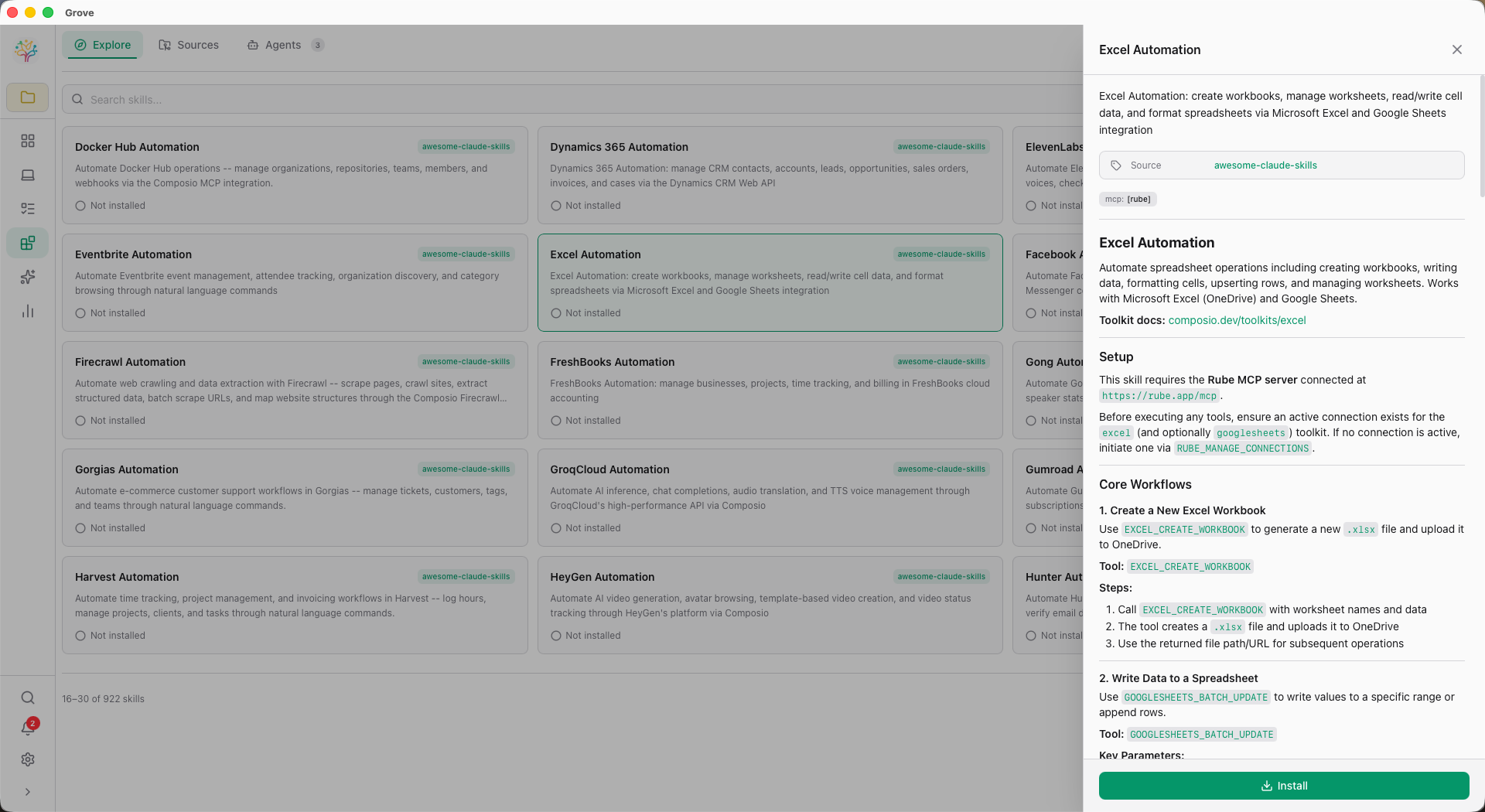
Grove's Skills page is a full marketplace — Explore to find new skills, Sources to manage where they come from, Agents to see which agents have which skills installed. Per-agent install state and actions. Per-scope install (project or global).
- Full-stack marketplace — storage + REST API + UI
- Three tabs: Explore / Sources / Agents
- Per-agent install buttons — each agent gets its own state
- Global or project-scoped installs
- YAML block-scalar support in
SKILL.mdfrontmatter - FNV-1a hashing for stable skill IDs across Rust versions
Grove speaks
both ways.
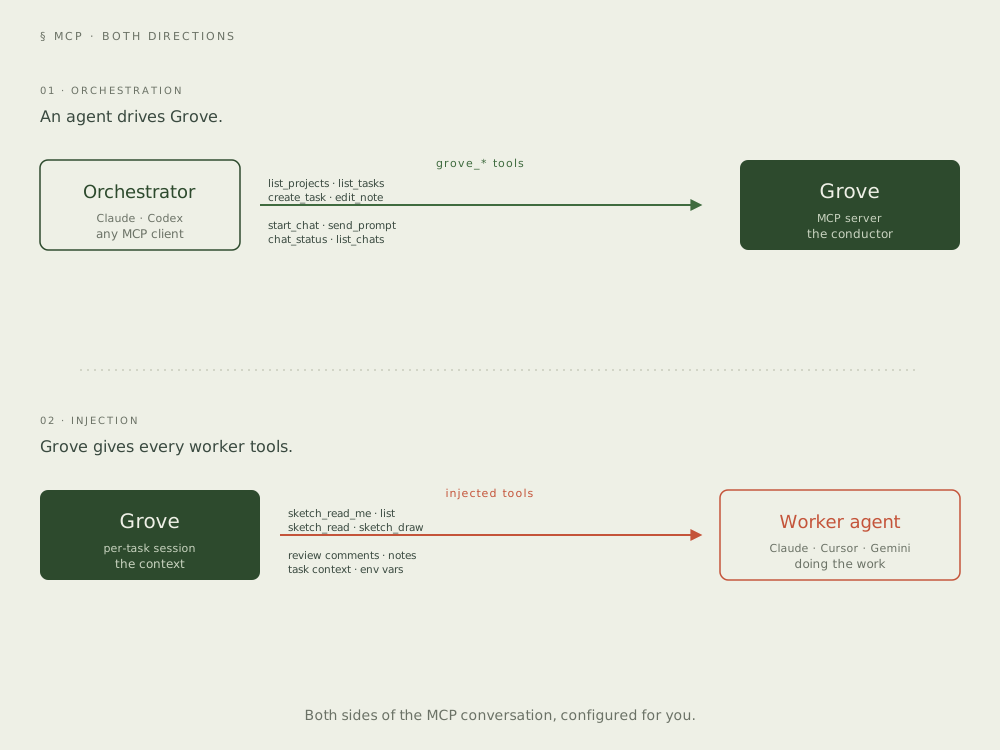
Grove is a first-class MCP server — grove mcp exposes
its task management, notes, reviews, and sketches to any agent that
speaks the protocol. At the same time, Grove injects itself into
every ACP session so worker agents can read notes and reply to reviews
without extra config.
Orchestrator tools.
Worker tools.
Grove filters MCP tools by context. An agent running outside a task sees management tools. An agent running inside a task sees execution tools. Same server, different capabilities, zero chance of cross-wiring.
grove_add_project_by_path,grove_list_projectsgrove_create_task,grove_list_tasksgrove_start_chat,grove_chat_status,grove_send_prompt,grove_list_chatsgrove_edit_note
grove_status,grove_read_notes,grove_edit_notegrove_read_review,grove_reply_review,grove_add_commentgrove_complete_taskgrove_sketch_read_me,grove_sketch_list,grove_sketch_read,grove_sketch_draw
{
  "mcpServers": {
    "grove": {
      "command": "grove",
      "args": ["mcp"]
    }
  }
}
Any agent.
Any protocol.
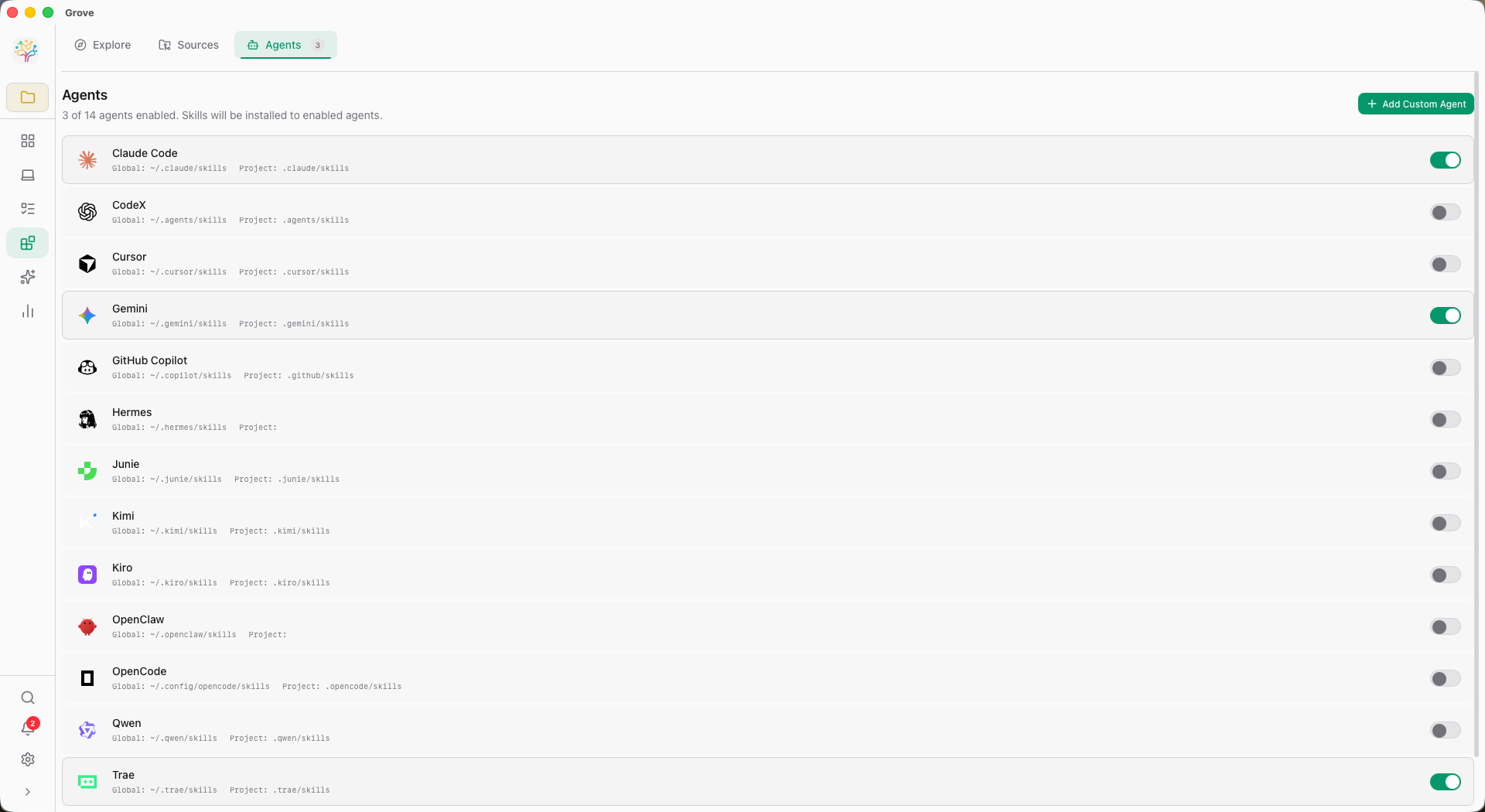
If it speaks ACP, Grove can launch it — a local binary, a remote URL, or any of the 10 built-in agents Grove already knows about. Add one in Settings → Custom Agents. It shows up in the picker immediately.
Command agents
Any binary that speaks ACP over stdio. Point Grove at a path and arguments — it launches on demand.
URL agents
Any HTTP endpoint. Useful for hosted agents, or for running an agent on a different machine on your LAN.
Model & mode
Every chat remembers the agent, model, and mode you last picked. Availability detection hides offline agents from the picker.
Tell me when
it needs me.
Agents run in the background. You shouldn't have to babysit them.
grove hooks fires native system notifications so you
know when an agent finishes, needs attention, or hits an error.
grove hooks notice
Task completed successfully. A gentle chime, a clean notification.
grove hooks warn
The agent is blocked on a permission, a review, or user input.
grove hooks critical
Something broke. You probably want to look at this now.
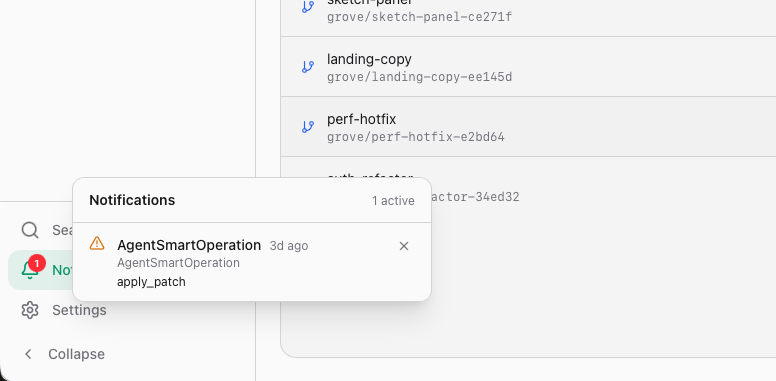
macOS uses UNUserNotificationCenter with a custom Grove icon.
Windows fires native toasts. Press h inside Grove to tune
sound and notification settings.
Grove is what
you make it.
Extensibility isn't a plugin system tacked on. It's the architecture.